1. Colour Mode: CMYK, Not RGB
Screens use RGB (red, green, blue) light; printing presses use CMYK (cyan, magenta, yellow, black) ink. A file designed in RGB will shift colour — sometimes dramatically — when converted for print, especially bright blues, greens and neons. Set your document to CMYK from the start in your design software rather than converting at the last minute.
2. Resolution: 300 DPI Minimum
DPI (dots per inch) determines how sharp an image prints. Anything pulled from a website or WhatsApp is usually 72 DPI — fine for screens, blurry in print. Always source images at 300 DPI at the final print size; scaling a low-resolution image up in size will not add missing detail.
3. Bleed and Safe Zone
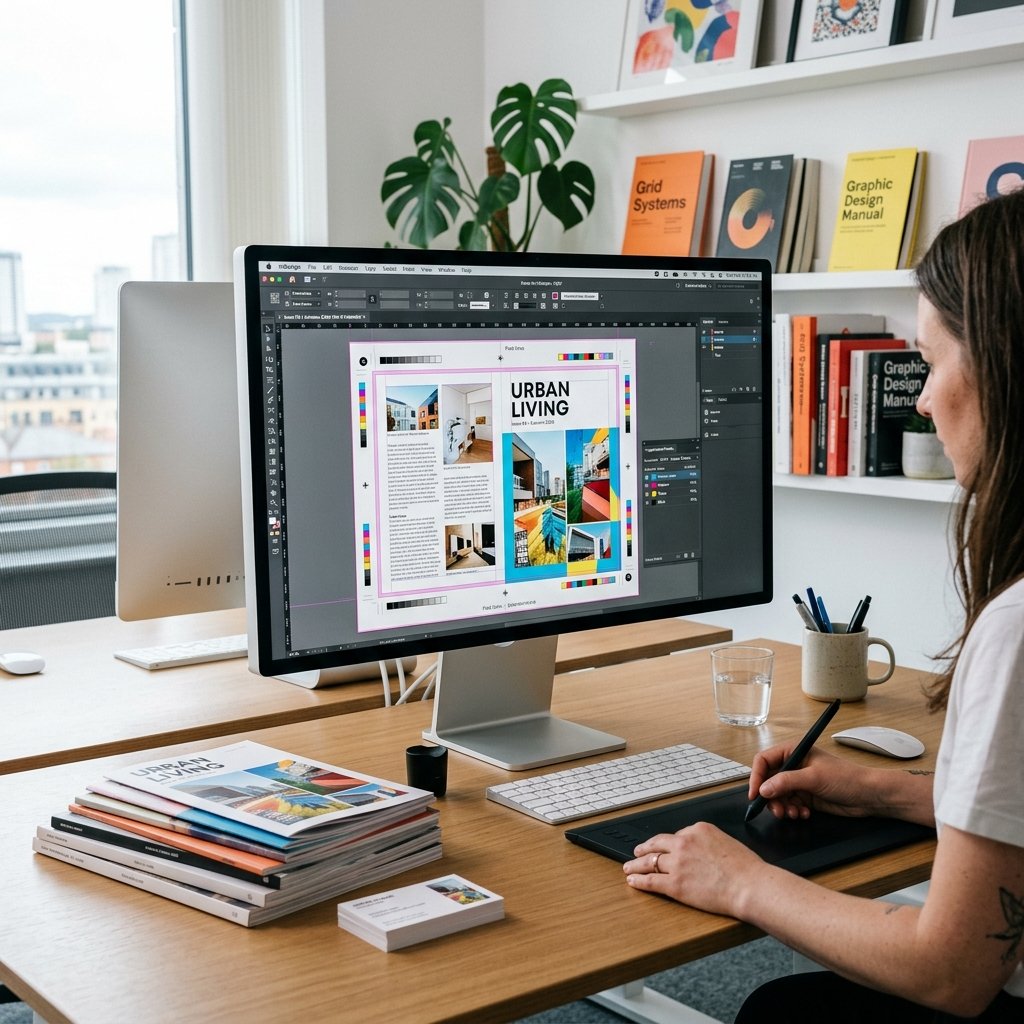
Bleed is extra artwork (typically 3mm) extending past the final trim line, so that when the sheet is cut, there's no thin white edge if the blade shifts even slightly. Keep any critical text or logos inside a "safe zone" — at least 3–5mm inside the trim line — so nothing important risks being cut off.
4. Fonts: Outline or Embed Them
If you send an editable file (AI, PSD, InDesign) without outlining text or embedding fonts, and we don't have the exact same font installed, the text will substitute or reflow — sometimes without anyone noticing until it's printed. Converting text to outlines (or "curves") before sending eliminates this risk entirely.
5. File Formats We Accept
PDF (print-ready, with bleed marks if possible) is the gold standard. AI, EPS and high-resolution PSD also work well. JPG/PNG are acceptable if resolution and colour mode are correct, but vector formats give sharper results for logos and text.
6. Double-Check Before You Send
A final pass: spelling and phone numbers correct, colours consistent across pages, no stray guide lines or comment layers left visible, and file named clearly (e.g. "CompanyName_BusinessCard_Front.pdf"). It sounds basic, but these small checks catch a large share of reprint requests.
What Happens After You Send Your File
Every file we receive goes through a free pre-press check — we verify colour mode, resolution, bleed and fonts before anything goes to press, and we'll contact you directly if something needs fixing rather than printing a flawed file and hoping for the best.